


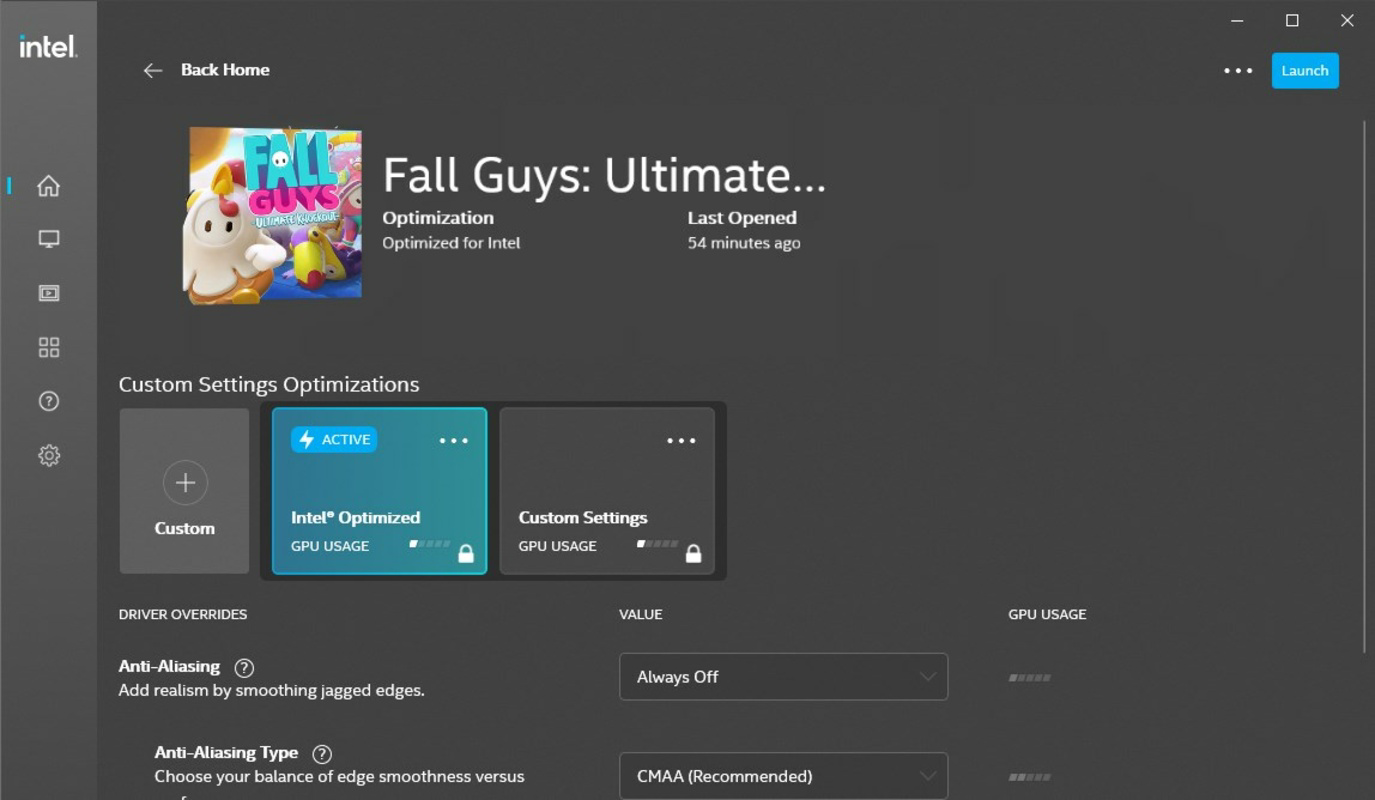

Description
Download Intel Arc & Iris Xe Graphics - Windows DCH Driver – Intel Arc Graphics, Iris Xe Graphics, Windows DCH Driver, graphics driver, system utility, driver update, Windows 11, Windows 10, Intel GPU
Overview
The Intel Arc & Iris Xe Graphics - Windows DCH Driver is a system utility designed for users of Intel-based GPUs, specifically targeting devices equipped with Intel Arc and Iris Xe graphics architectures. This driver serves as a direct, official update from Intel Corporation, providing users with the latest feature enhancements and bug fixes that may not be included in OEM (Original Equipment Manufacturer) customized drivers. The primary purpose of this software is to ensure optimal graphics performance, stability, and compatibility across a range of Windows 10 and Windows 11 systems. It is particularly beneficial for users who prioritize access to the most up-to-date driver improvements, including performance optimizations and support for new graphical features. This driver addresses common issues such as graphical glitches, display inconsistencies, and performance bottlenecks that may arise from outdated or incomplete OEM drivers. It is ideal for users who require consistent and reliable graphics performance, such as content creators, gamers, and professionals working with graphics-intensive applications. The developer, Intel Corporation, is a well-established name in semiconductor technology, lending credibility to the driver’s reliability and technical soundness. Although the developer did not provide additional technical details about the driver’s internal architecture, its official release through Intel’s distribution channels ensures authenticity and security. The driver plays a vital role in the Windows ecosystem by offering a standardized, up-to-date alternative to manufacturer-specific drivers.Key Features & Functionality
- Latest Feature Enhancements: The driver delivers the most recent advancements in graphics performance and visual fidelity, including support for emerging rendering techniques and improved hardware utilization. This ensures users can take full advantage of the latest capabilities offered by Intel Arc and Iris Xe GPUs.
- Bug Fixes: Critical stability improvements are included to resolve known issues such as screen flickering, driver crashes, and display artifacts, leading to a smoother and more reliable user experience.
- OEM Compatibility Awareness: The driver includes guidance on how installation may affect existing OEM-specific customizations, allowing users to make informed decisions based on their system configuration and usage needs.
- Platform-Specific Optimization: While designed for general compatibility, the driver maintains alignment with Intel’s hardware-specific optimizations for Windows 10 and Windows 11, ensuring stable operation across supported systems.
- Direct Intel Distribution: Being an official Intel release, the driver avoids potential delays or omissions found in OEM-provided updates, offering a more consistent and timely update path.
Interface, UX & Performance
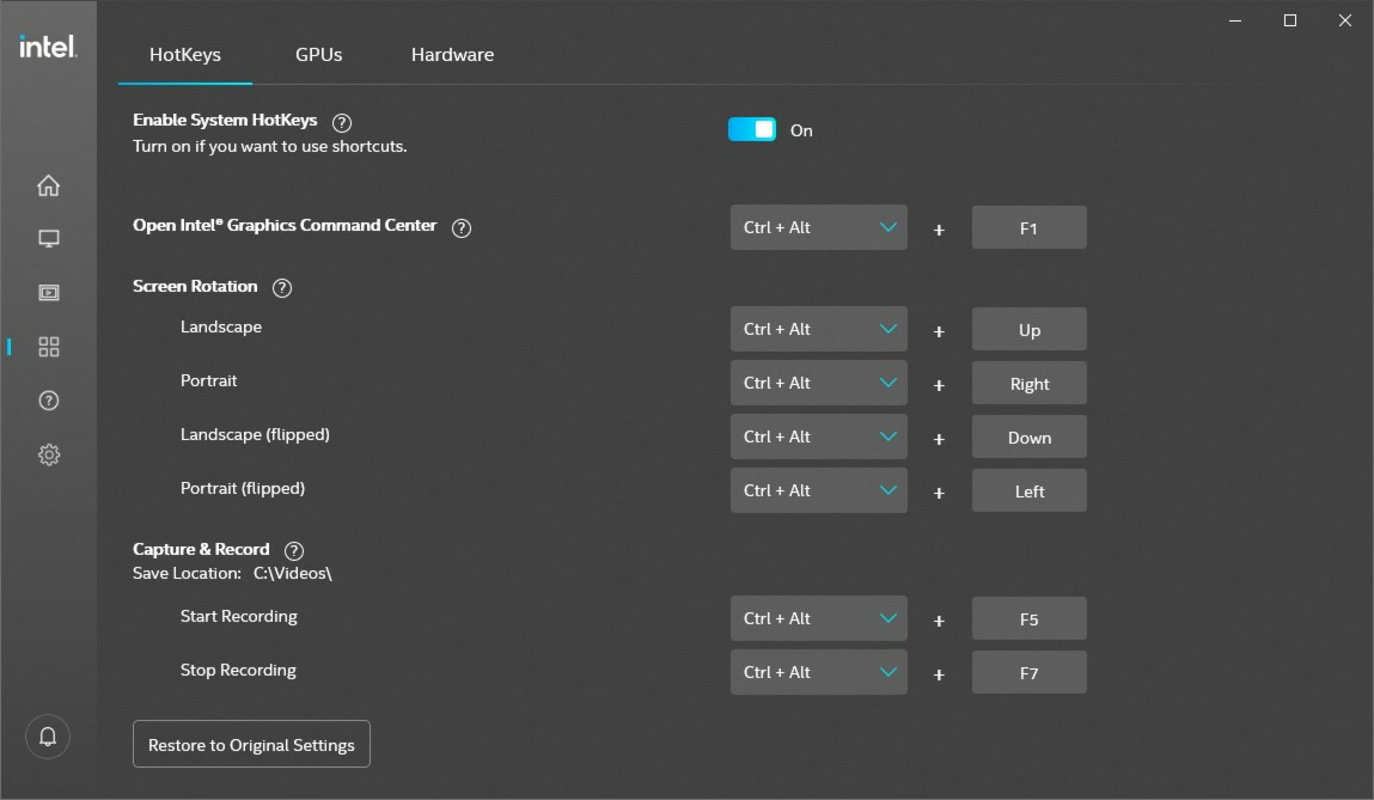
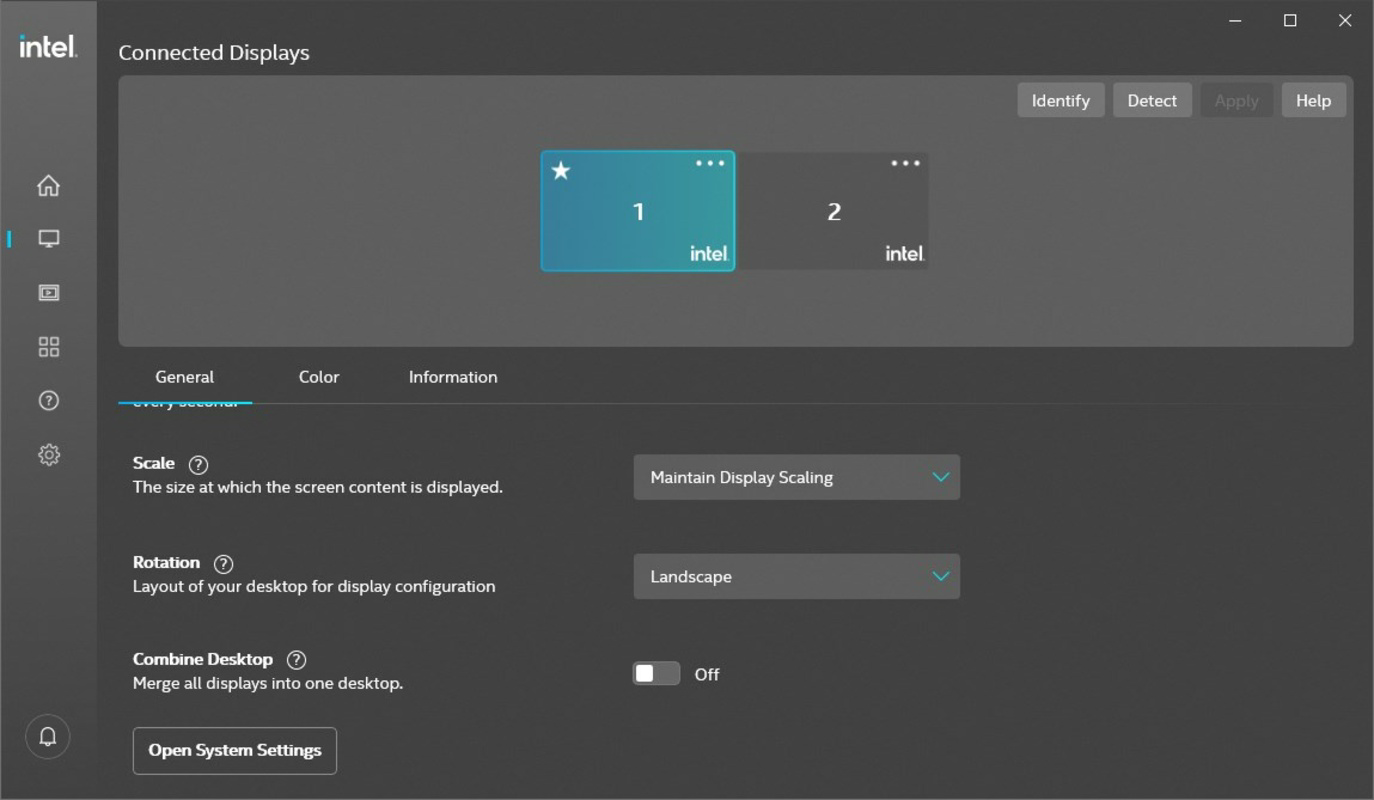
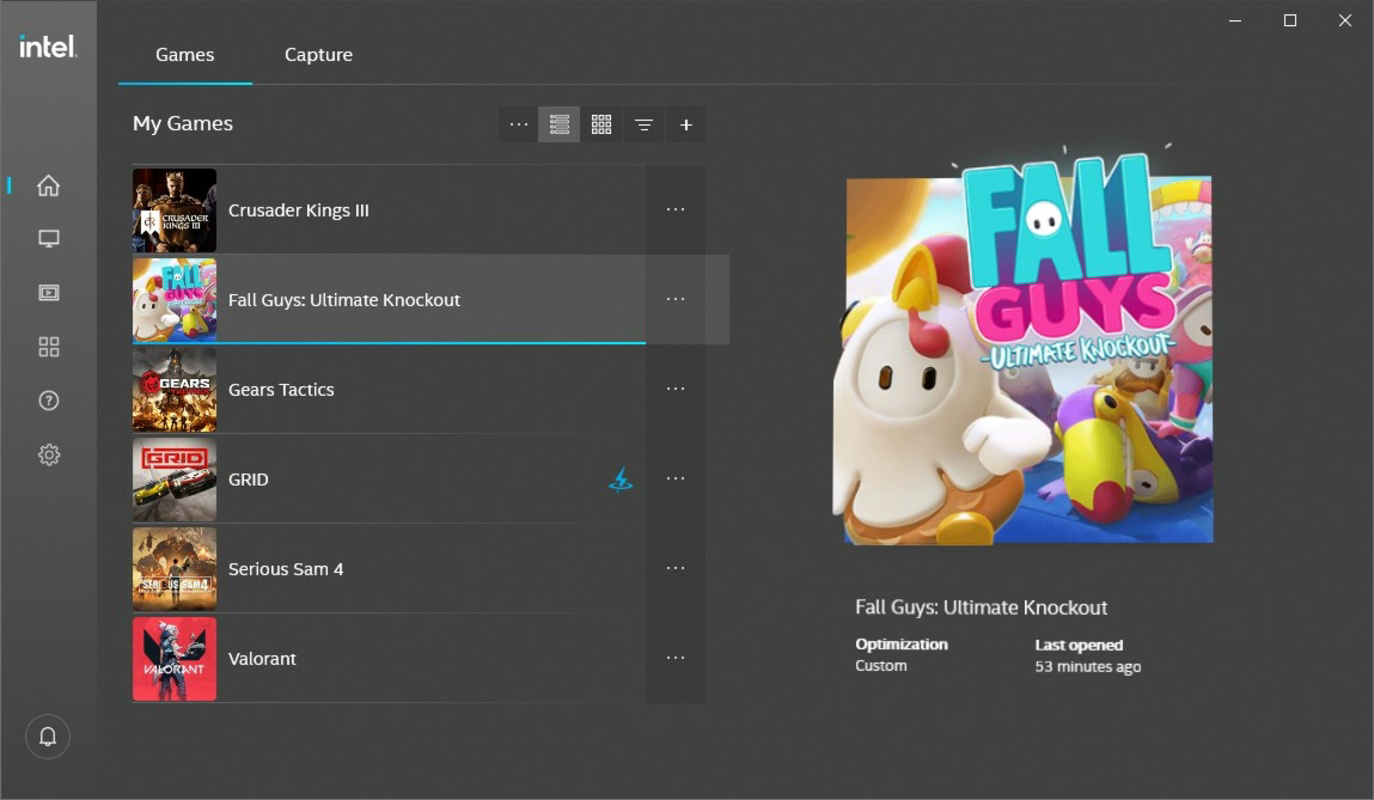
The Intel Arc & Iris Xe Graphics - Windows DCH Driver is a system-level utility, meaning it does not include a traditional graphical user interface (GUI). Instead, it operates through standard Windows installation processes, such as the Device Manager or Intel’s official driver installer. This design choice prioritizes functionality and compatibility over visual polish, aligning with the expectations of advanced users and system administrators. Installation is straightforward, typically involving a single executable file that runs through a standard setup wizard, prompting users to confirm the update and restart the system if necessary. Although the developer did not list formal performance metrics, the driver is designed to deliver consistent performance across a variety of device categories, including laptops, desktops, and 2-in-1 devices. Users can expect improved responsiveness during graphics-intensive tasks, such as video editing, 3D rendering, and gaming. The driver’s lightweight nature—312.7 MB in size—ensures minimal impact on system resources during installation and operation. Responsiveness is maintained through efficient memory management and optimized kernel-level interactions. Stability is a key focus, with the driver undergoing internal testing before public release. However, specific performance benchmarks or real-world usage data were not disclosed.Platform Compatibility & Technical Requirements
The Intel Arc & Iris Xe Graphics - Windows DCH Driver is compatible with Windows 10 and Windows 11 operating systems. The specific version is 31.0.101.5248, and the file size is 312.7 MB. The driver is available for download as a standalone package, designed for direct installation on Intel GPU-equipped devices. The developer did not specify minimum OS requirements beyond the platforms listed, nor did they provide information on CPU architecture or RAM thresholds. Compatibility with specific Intel Arc or Iris Xe GPU models was not detailed, though the driver is intended for use with devices featuring these architectures. Users are advised to verify their GPU model before installation to ensure proper functionality. The driver is free to download and install, making it accessible to a broad range of users.Pros and Cons
- Provides the latest feature enhancements directly from Intel, bypassing OEM delays
- Includes critical bug fixes that improve system stability and graphics reliability
- Officially distributed by Intel Corporation, ensuring authenticity and security
- Lightweight at 312.7 MB, minimizing installation footprint
- Designed for compatibility with both Windows 10 and Windows 11 systems
- Installation may overwrite OEM-specific customizations, potentially affecting system behavior
- No graphical interface—relies on standard Windows installer workflows
- Specific GPU model compatibility was not disclosed
- Performance improvements may vary depending on hardware and system configuration
- Limited documentation on rollback procedures or troubleshooting steps
FAQ
Is this driver safe to install?
Yes, the Intel Arc & Iris Xe Graphics - Windows DCH Driver is officially released by Intel Corporation and distributed through secure channels. It is designed to be a safe and reliable update for compatible systems.
Can I install this driver on any Windows PC?
This driver is intended for systems equipped with Intel Arc or Iris Xe graphics. It may not be compatible with other GPU brands or older Intel GPU models. Users should verify their GPU type before installation.
Will installing this driver affect my OEM customizations?
Yes, installing the generic Intel driver may overwrite OEM-specific driver settings and optimizations. The developer advises users to check OEM compatibility and consider backing up existing configurations.
Do I need to restart my computer after installation?
Yes, a system restart is typically required after installing the driver to apply changes and ensure proper initialization of the graphics stack.
How often is this driver updated?
Intel releases updates based on new features, bug fixes, and security patches. Users should check Intel’s official website for the latest version and release notes.
Final Thoughts
The Intel Arc & Iris Xe Graphics - Windows DCH Driver stands out as a reliable, official tool for users seeking the most up-to-date graphics performance and stability. It fills a critical gap in the driver ecosystem by offering timely updates that OEMs may delay or omit. While it lacks a GUI and may overwrite OEM customizations, its benefits in terms of reliability, security, and feature parity make it a valuable asset for professionals, gamers, and power users. For those who prioritize performance and consistency, this driver delivers tangible improvements without unnecessary complexity. If you're using an Intel Arc or Iris Xe GPU and want to ensure you're running the latest optimized version, this is the recommended path. Download Intel Arc & Iris Xe Graphics - Windows DCH Driver now.Guides & Tutorials for Intel Arc & Iris Xe Graphics - Windows DCH Driver
How to install Intel Arc & Iris Xe Graphics - Windows DCH Driver
- Click the Preview / Download button above.
- Once redirected, accept the terms and click Install.
- Wait for the Intel Arc & Iris Xe Graphics - Windows DCH Driver download to finish on your device.
How to use Intel Arc & Iris Xe Graphics - Windows DCH Driver
This software is primarily used for its core features described above. Open the app after installation to explore its capabilities.
User Reviews for Intel Arc & Iris Xe Graphics - Windows DCH Driver 0
No reviews found


